Qt6 和 PySide6
能够安装什么版本的 Qt6 / PySide6 ,和系统的 glibc 版本有关!
比如 glibc 2.31 最高只能安装 Qt6.4 ,最高只能安装 PySide6==6.8.0.2
PySide6 need glibc 2.39 since 6.8.1 on aarch64.
检查当前 ARM 系统 GLIBC 版本:ldd --version
Python The Wheel Binary Package Format File name convention
The wheel filename is
{distribution}-{version}(-{build tag})?-{python tag}-{abi tag}-{platform tag}.whl.
在 PySide6 6.8.0.2 和 6.8.1 的文件列表中,可以看到 glic 的版本要求。
1 | PySide6-6.8.0.2-cp39-abi3-manylinux_2_31_aarch64.whl (554.3 kB view details) |
疑问:同样的 Linxu 系统,为什么 arm 架构上 glic 版本要求比 x86 架构上要高呢
输入法问题
在 Ubuntu/Deepin 等 Linux 发行版中,Qt6 / PySide6 应用无法输入中文是 常见问题。一般都是通过系统软件仓库解决:
1 | sudo apt install fcitx5-frontend-qt6 |
如果系统版本陈旧(比如 Debian11 / Ubuntu20 / 银河麒麟 V10 等),似乎无路可走。
解决 pyside6 GUI 程序在 linux 下无法使用 fcitx 输入法 ,问题原因:
查看
python3.[xx]/site-packages/PySide6/Qt/plugins/platforminputcontexts,pyside6 不包含 fcitx 相关 plugin,默认只包括 ibus plugin。
相关插件的源码:
- fcitx-qt5(archived) 提供了为 qt 编译fcitx 输入法插件的支持
- fcitx5-qt 提供了为 qt 编译 fcitx5 输入法插件的支持
安装 Qt6
如果系统版本陈旧,那就只剩下最正统的方案——自行编译:
预编译 libfcitxplatforminputcontextplugin.so 插件的 Qt 版本要和 PySide6 的 Qt 版本一致!
道阻且长!
glic 2.31 支持的 Qt 最高版本是 Qt6.4 ,但截至2026年3月31日 qt-online-installer-linux-arm64-4.[8~10].0.run 中 archive 的最低版本是 Qt6.7 。
似乎安装 Qt6 也必须自行编译……
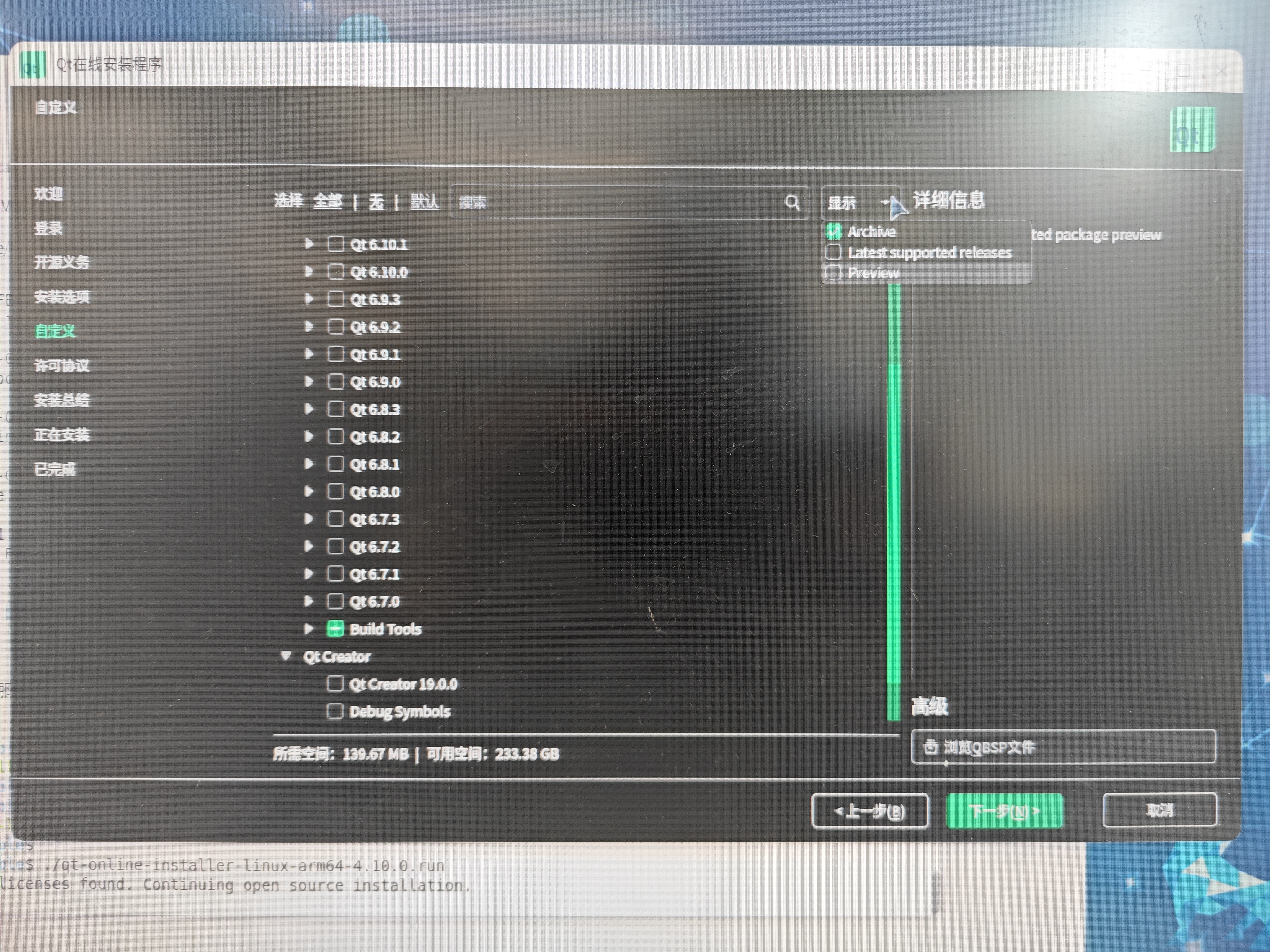
为什么 PySide6.8 (使用的 Qt6.8)可以基于 glic2.31 ?那是 PySide6 团队做了工作!
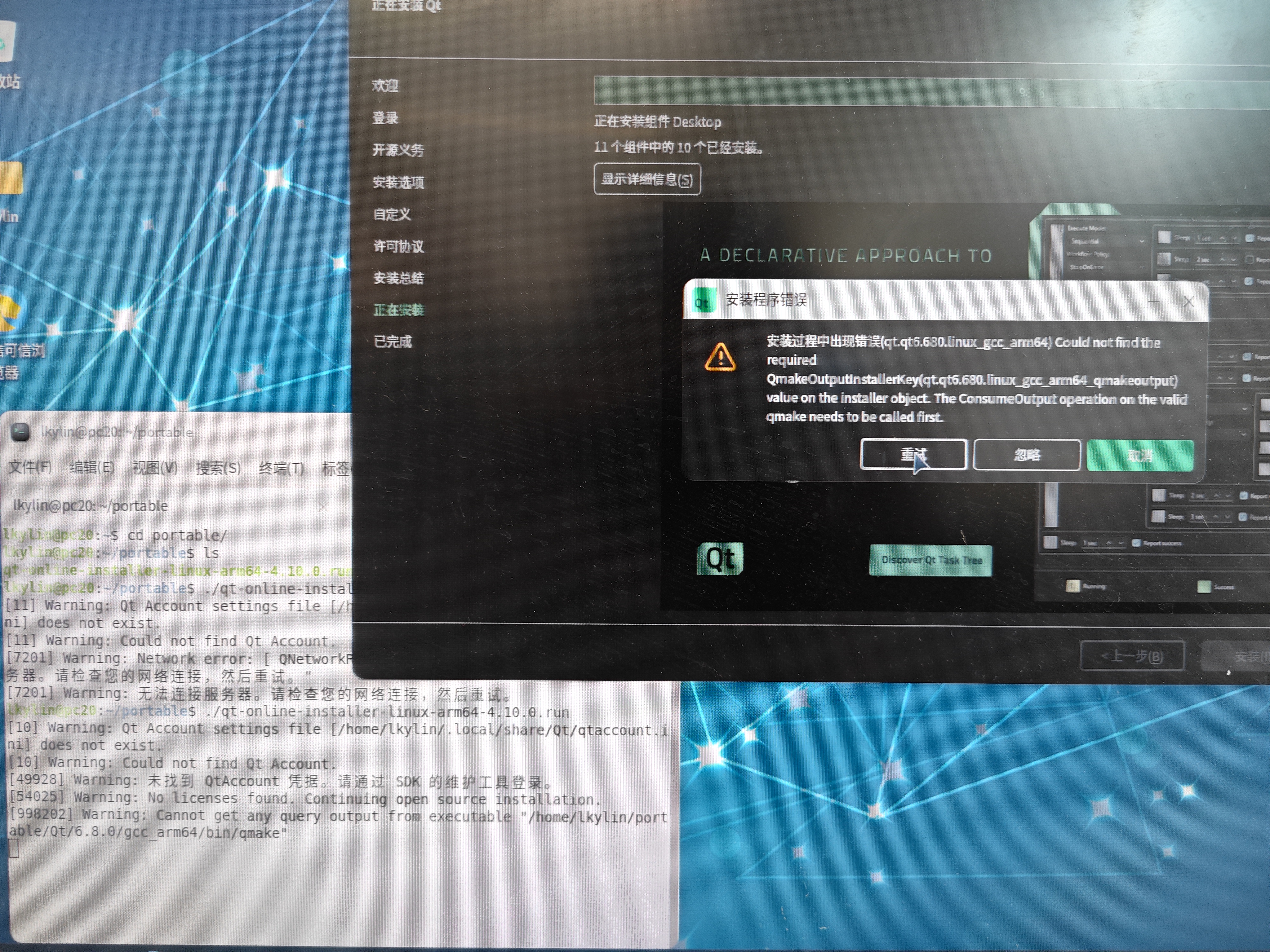
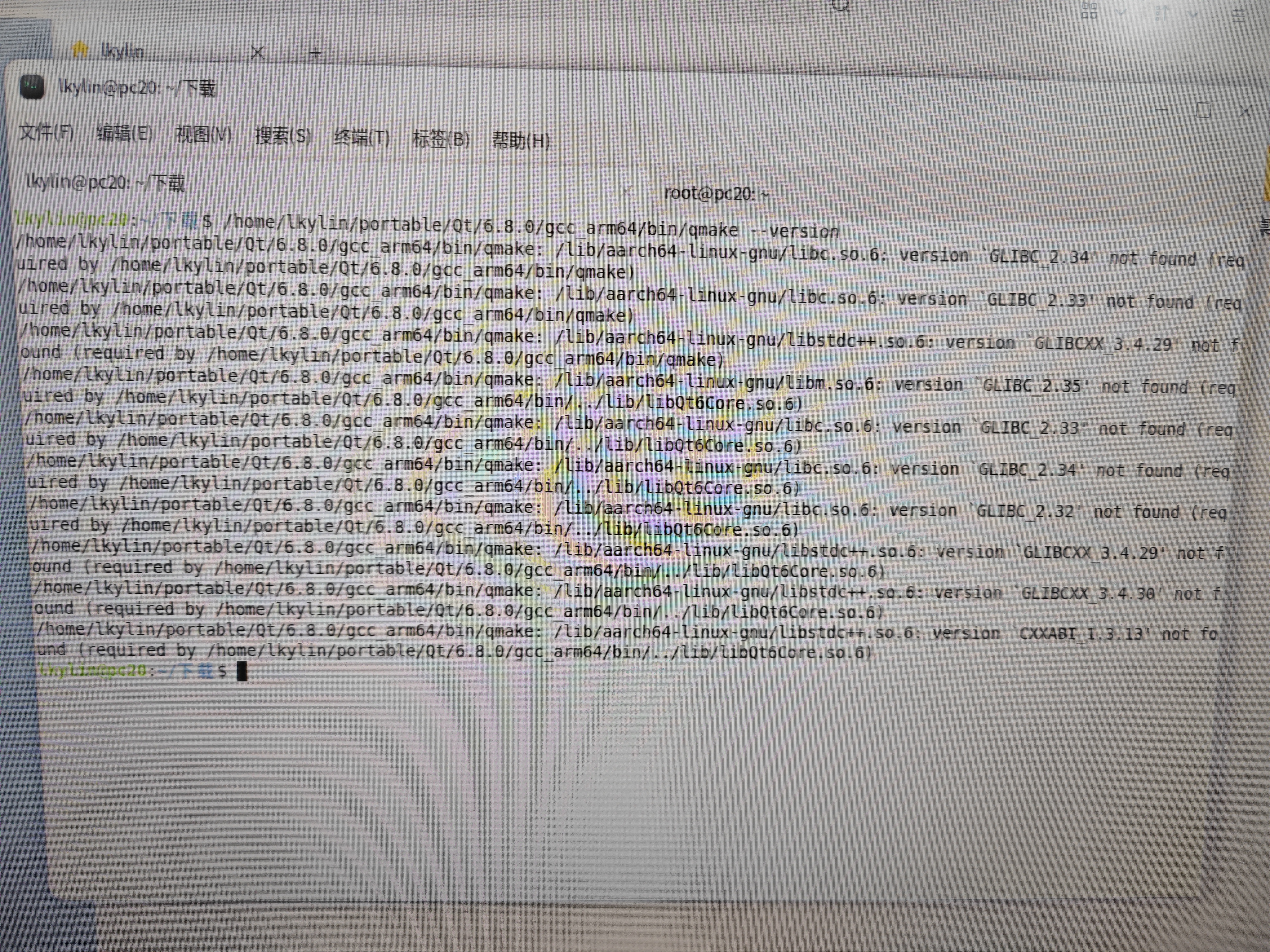
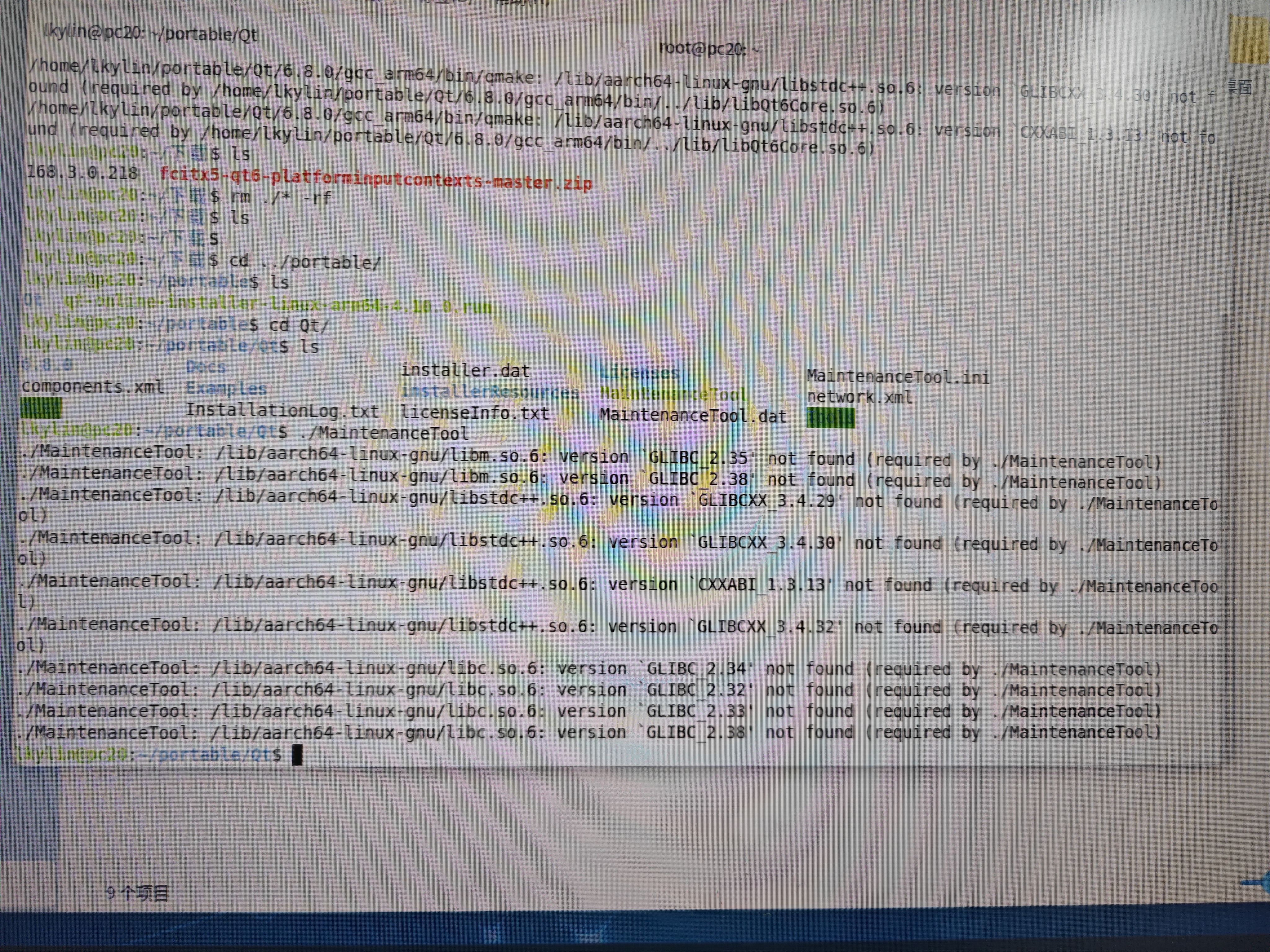
实测 Qt6.8 安装末尾(98%)报错,即便忽略报错,之后使用 qmake 或者 MaintenanceTool 也会失败: